Rapid Rebook makes it easy to choose a new flight online.
What is Rapid Rebook?
Rapid Rebook is a self-service rebooking tool that helps you:
- View updated flight details after a cancellation or delay.
- Choose a new flight within three days of your original booking.
- Organise a hotel stay and meal voucher if you’re disrupted overnight.
No extra cost for eligible bookings.
Available for most guests with cancelled or delayed flights booked directly with Virgin Australia.
How it works
Extra support
Frequently Asked Questions
-
I’ve received a text message about my new flight that says “Click here for revised flight details.” What does this mean?
When you click the link, you’ll see your updated flight details.
- Happy with the new flight? Complete check-in and download your boarding pass.
- Want a different flight? Select “View other options” to choose an alternative within three days of your original flight.
- Once you’ve made your choice, finish check-in and get your boarding pass.
-
I’ve received an email about my new flight, and it says “View other options.” What does this mean?
When you open the email, you’ll see your updated flight details.
- Happy with the new flight? Complete check-in and download your boarding pass.
- Want a different flight? Select “View other options” to choose an alternative within three days of your original flight.
- Once you’ve made your choice, finish check-in and get your boarding pass.
-
My flight was cancelled and Virgin Australia gave me a new flight. How did you choose it?
We do our best to get you to your destination as quickly and safely as possible. When we select a new flight, we look at things like:
- Your connecting flights
- How many people are in your booking
- Velocity status and fare type
- When you booked
- Any special requirements
- Seat availability across our network
Our goal is to make sure everyone gets where they need to go with the least disruption.
-
Will Virgin Australia cover the cost of an extra night at the hotel?
Our Guest Compensation Policy explains what support we provide when your flight is delayed or cancelled. This includes details about accommodation, meals, and other assistance.
-
I don’t need a hotel, but I’d like transport home and back to the airport. Can Rapid Rebook arrange this?
Rapid Rebook can’t book transport for you, but you can claim reasonable costs under our Guest Compensation Policy. Just submit a request and we’ll take care of it.
-
Will Virgin Australia give me money for meals if I have to stay overnight?
Yes. When we book your accommodation, we’ll include a $30 meal allowance for each guest. Just check with the hotel staff for the details.
-
Someone I’m travelling with got a Rapid Rebook message, but I didn’t. Why?
- If you’re on the same booking, the main person listed will get the message and can make changes for everyone.
- If you booked through a travel agent or another website, check with them that your contact details are correct, that’s what we use to send updates.
You can still use Rapid Rebook. Sometimes there’s a short delay after we change your flight. Most messages arrive within 30 minutes, but it can take longer if there’s a big disruption, like bad weather.
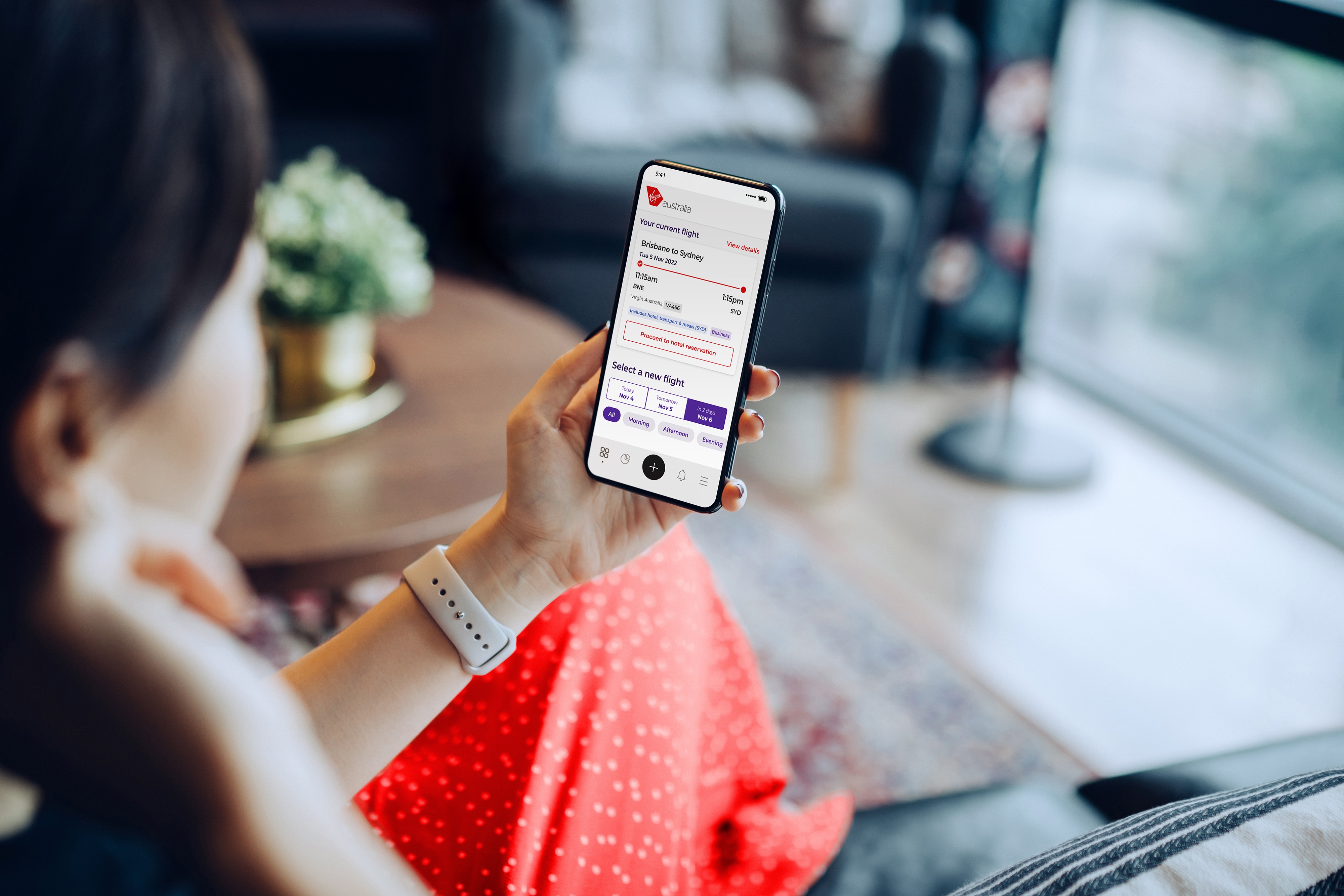
Get back on the flight path with Rapid Rebook
At Virgin Australia, our aim is to make every journey as smooth as possible. Even in the face of unlikely flight schedule disruptions.
That’s why we launched Rapid Rebook: a self-service rebooking tool that lets you view your revised flight details, choose an alternative flight within three days of your original flight, and if disrupted overnight, organise a hotel stay and meal voucher at the tap of a button.